Have you been invited
to test the app by Luke?
You're one of a small group of people Luke has personally asked to try this. Thanks for being here. Follow the steps below to get set up in a couple of minutes.
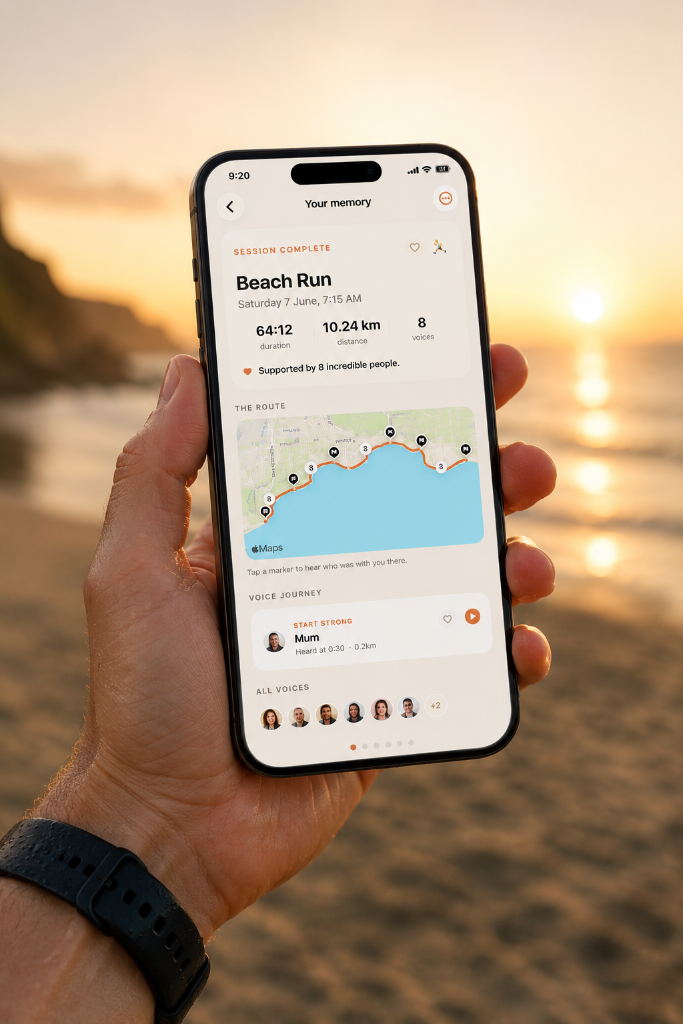
How to get started
Five steps to get going.
01
Download TestFlight
TestFlight is Apple's official app for testing apps before they're on the App Store. It's free and made by Apple.
Get TestFlight on the App Store02
Install WithYou
Tap the button below from your iPhone. It will open TestFlight and take you straight to the WithYou beta. If TestFlight is not installed yet, do step 1 first.
 Open WithYou in TestFlight
03
Accept and install
In TestFlight, tap "Accept" on the invitation, then tap "Install". WithYou will download to your iPhone just like any other app.
04
Create an activity
Open the app and set up a run, walk, or ride. Invite the people who matter to record voice messages for you, then just go.
05
Send feedback to Luke
Your feedback shapes what gets built next. WhatsApp Luke a message or voice note, email hello@withyoufitness.co.uk, or send screenshots. Whatever is easiest.
Email hello@withyoufitness.co.uk